Easy Retail Flow › Contacts › Customers
¶ Customers Guide
Manage your customer database, track individual and company relationships, and organize contacts into groups.
¶ 1. Customers List Overview
The Customers repository is a centralized list of all individuals and organizations your business interacts with. Access this via Contacts › Customers.
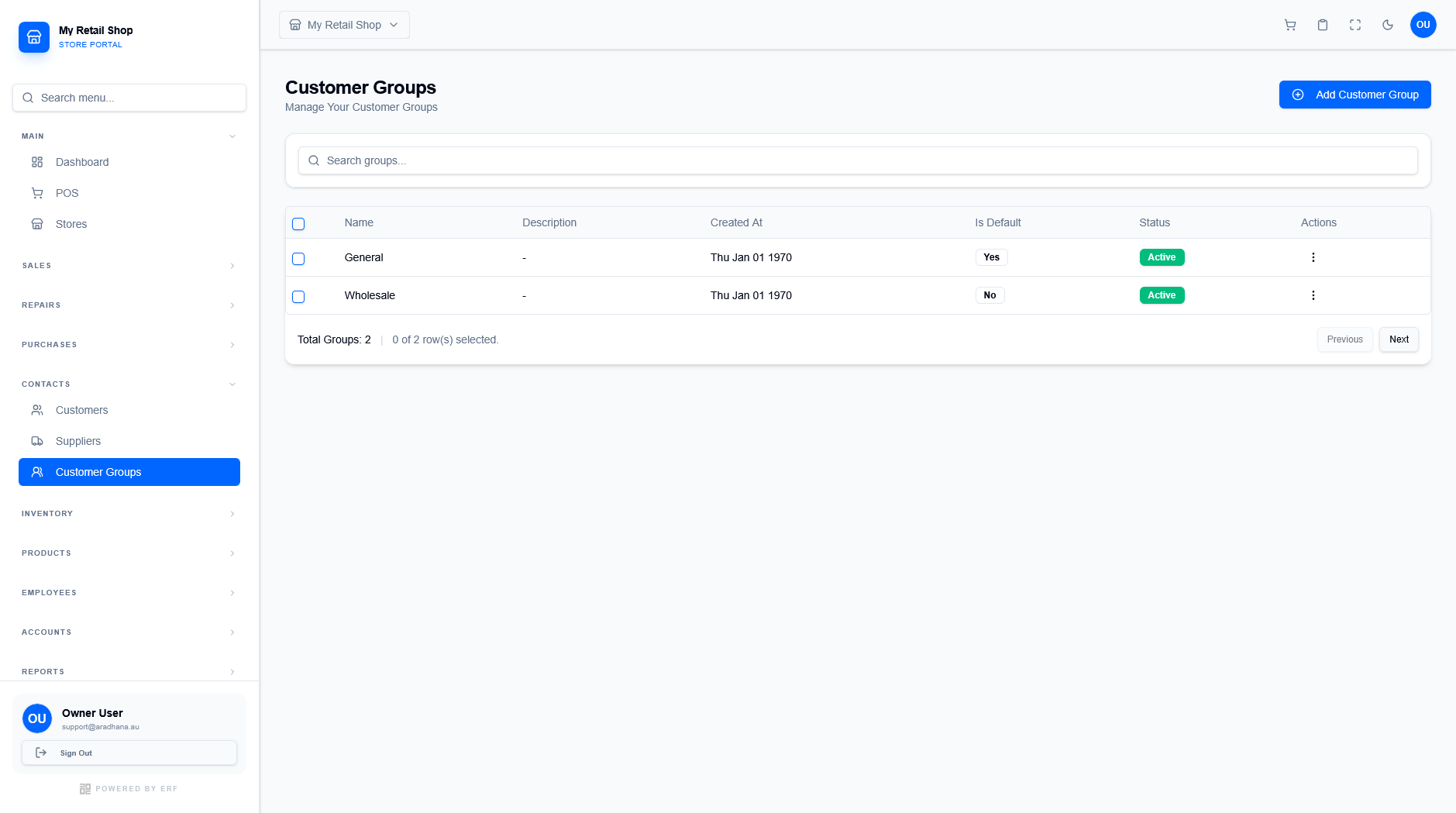
Figure 1 — The main customer management dashboard.
¶ 1.1 Key Information
The customer table displays several critical attributes at a glance:
- Type: Categorized as either Individual or Company.
- Group: The customer segment (e.g., General, VIP, Wholesale).
- Store: The specific registration store associated with the customer's first transaction.
- Contact Details: Immediate access to phone numbers and email addresses for communication.
¶ 2. Adding a New Customer
Click the blue + Add New Customer button to open the tiered configuration modal. This modal is organized into four tabs to manage complex relationship data.
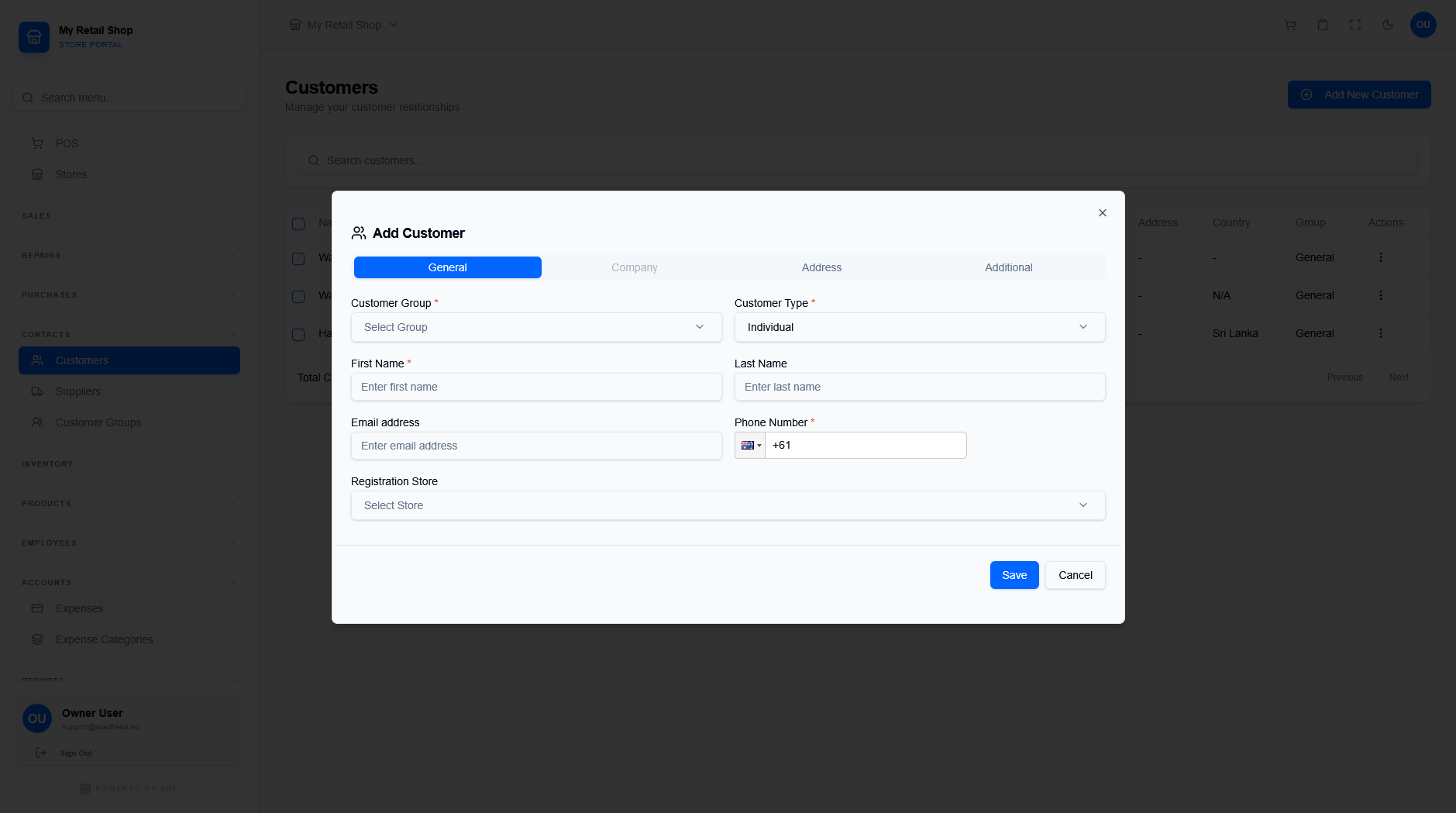
Figure 2 — The multi-tab customer creation interface.
¶ 2.1 Configuration Tabs
| Tab | Data Required |
|---|---|
| General | Basic identity like First/Last Name, primary Email, and Phone Number. Required for all entries. |
| Company | Organization details, registration numbers, and designated Contact Person information. |
| Address | Physical and billing location data including City, State, and Postcode. |
| Additional | Marketing sources ("How did you hear about us?"), Tax Class, and Notification preferences. |
Workflow Tip: For quick transactions at the POS, use the Walk-In Customer profile. For repeat business and marketing tracking, always create a full Individual profile with a valid phone number.
© 2026 Easy Retail Flow